
Quick Match
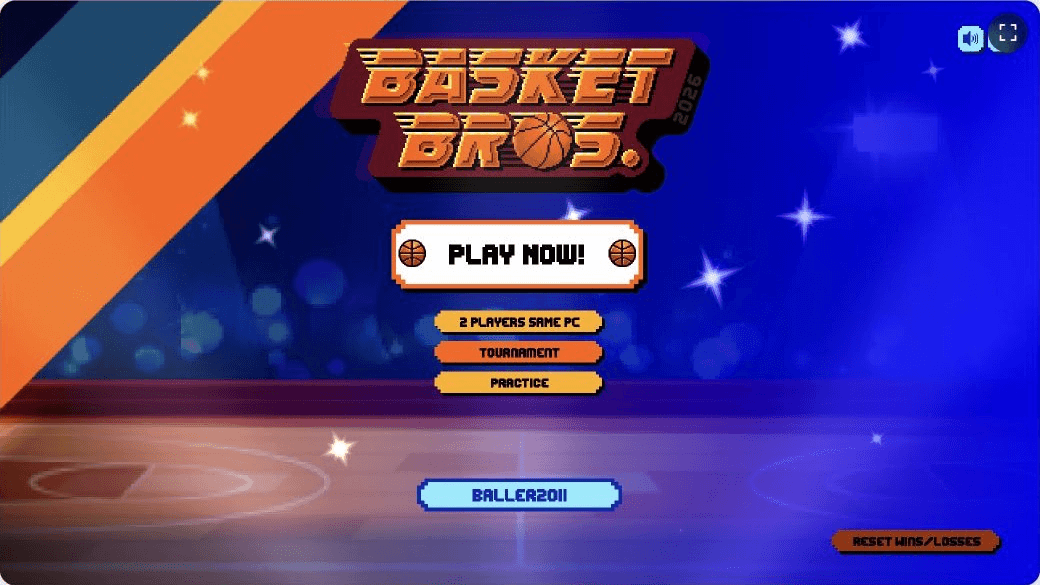
Choose Play Now for a fast 1v1 game against the computer. It is the easiest place to learn the pace of a match.
Start here
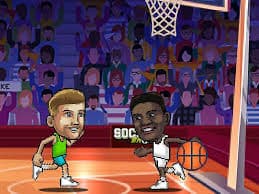
The aim is simple: finish the short match with more points than your opponent. Move into space, time your jump, and stay close enough on defense to challenge the next shot.
The game runs inside a third-party frame. If it takes longer than expected, wait a moment or refresh the page. Access can also depend on your school or workplace network.
Player one
Use WASD to move. Press G for your main action, including shots and steals.
Player two
Move with the Arrow keys and use L for the matching action.
Press Space when you are near the opponent to block or knock the ball loose.
Pick your way to play
Start against the computer, share a keyboard with a friend, work through Franchise, or send someone a private online room code.
Choose Play Now for a fast 1v1 game against the computer. It is the easiest place to learn the pace of a match.
Share one keyboard and settle it locally. Each player gets a separate movement and action layout.
Take one player through a run of up to 17 games. Keep winning and you can finish with the trophy.
Warm up in Shooting Practice, or host and join a private online game with a room code.
Build your roster
The roster is full of playful basketball references, including names such as Luka Magic and Step Flurry. Wins unlock more players as well as shoes, balls, outfits, and special moves.
You do not need the full collection to enjoy the game. Pick one player, learn the timing, and let the unlocks arrive as you improve.
Useful from the first match
A rushed shot is easy to contest. Step away from the defender, then jump and release.
Blocks and steals work best when you are already in position. Chasing the action usually leaves the rim open.
Stick with the same character for a few games. Familiar timing matters more than changing players after every loss.
A few minutes in Shooting Practice makes the jump into a real match much less chaotic.
On the court
Quick answers
Yes. The browser version is free and does not require a download. Some networks may still block gaming sites, so access depends on the rules of the network you are using.
Player one uses WASD to move and G for the main action. Player two uses the Arrow keys and L. Press Space near an opponent to block or knock the ball loose.
The game supports mobile browsers and tablets. Landscape orientation gives the court more room. For local two-player games, a computer keyboard is still the better setup.
Choose the online option, then host a room or join one. The host shares the room code with the other player so both people enter the same court.
Win games and keep progressing. Basketball Bros has 33 characters in total, along with unlockable shoes, balls, outfits, and special moves.
Wait a moment, then refresh the page if the game still does not appear. You can also check your connection and temporarily disable extensions that block third-party game frames. A school or workplace network may block the game host.